DASHANGA (“Ten Ingredients”) CONSTITUENT INGREDIENTS
6 parts kustha, 2 parts gur, 3 parts laksha, 5 parts nakhla, haritiki, and raal in equal parts, 1 part dapai, shilajay equal to 3 lav, 4 parts nagarmotha, and guggul one part
——
KUSTHA
Kustha (Saussurea lappa C.B.Clarke) is an important medicinal plant which was mentioned in ancient Hindu literature and Ayurveda. It was considered as next to Soma plant which is best among the plants. It grows in the reigions of Himalayas and Kashmir and is used in Ayurveda for fevers, skin diseases, headache etc. Kustha is well known for its cures since the ancient times. Etymologically the word “Kustha” is derived from “Krushnaati rogam”. It means, one that ploughs out or drags out the disease from the body.
Dolomiaea costus, formerly known as Saussurea costus, commonly known as costus, Indian costus, kuth, or putchuk, is a species of thistle in the genus Dolomiaea native to South Asia and China. Rishi (Hindu) mystics of Kashmir especially ate this plant. Essential oils extracted from the root have been used in traditional medicine and in perfumes since ancient times.
Costus is the root of this plant. The root of the plant is the key part used for medicinal or homeopathic purposes. The root is also called by its Latin name radix aucklandiae (root of aucklandia).
It has a large number of names in other languages, including kuṣṭha in Sanskrit; kust or qust in Arabic and Persian; kut, kur, and pachak in Hindi and Bengali, kostum, gostham, and potchuk in Tamil; upaleta and kur in Gujarati; kot or kust in Punjabi; changala in Telugu; sepuddy in Malayalam; kostha in Kannada; kuth or postkhai in Kashmiri; and kosht (קשט) in Hebrew; koto in Swahili; mu xiang in Chinese.
——
GUR = jaggery
——
LAKSHA
Botanical Name
Laccifer lacca Kerr.
Family
Lacciferidae.
Synonyms
Coccus lacca, Kerria lacca.
Regional Name
English : Shellac, Laksha (Lac). Hindi : Lakh, Sanskrit : Laksha, Bengali : Gala, Gujarati : Lak, Telugu : Kommolakka, Lakka, Tamil: Komburrki, Malayalam: Arakku, Ambalu.
Part Used
Resin.
Description
India and Thailand are the main areas in the world where lac is cultivated. Over 90% of Indian lac comes from the States of Bihar, Jharkhand, Assam, Madhya Pradesh, Uttar Pradesh, West Bengal, Maharashtra and Orissa. Lac insects thrive on certain trees and the principal lac host trees in India are Banyan, Peepal, Khadira, Palash, Kusum and Ber.
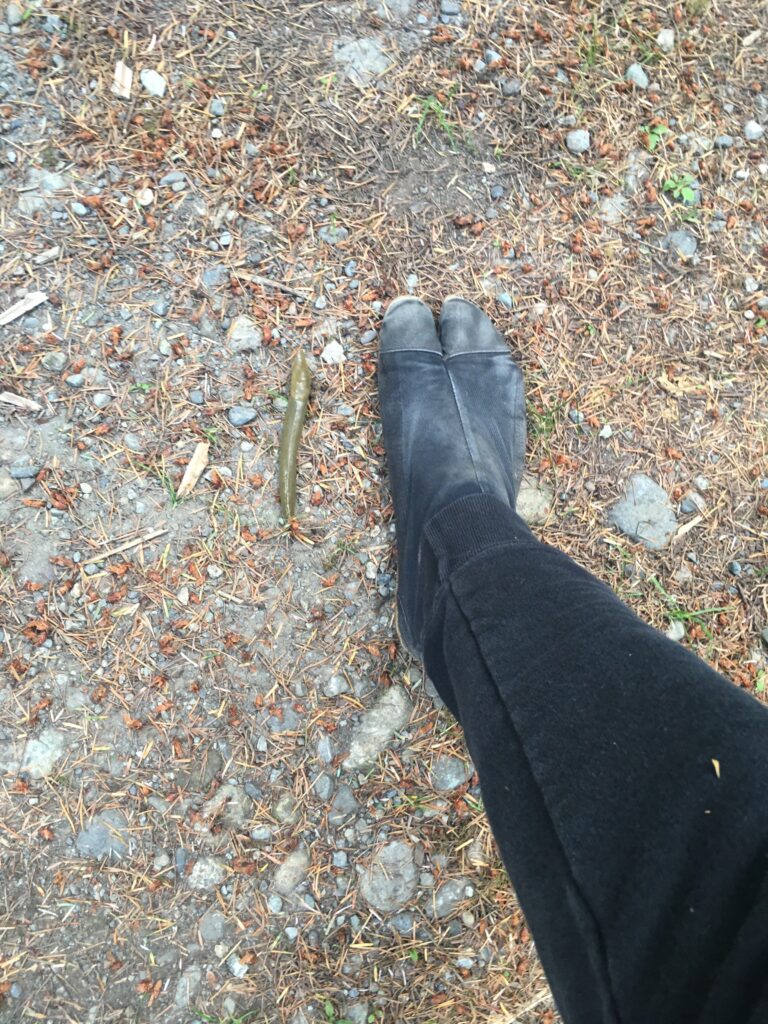
Lac are scale insects (Laccifer Lacca) which live on trees called lac host trees where they secrete the lac resin which is scraped off and manufactured into shellac. To produce just 1 kilogram of lac resin around 300,000 insects lose their tiny lives. A scale insect is a common name for any of about 2000 insect species found all over the world that attach themselves in great numbers to plants and trees. Scale insects range from an almost microscopic size to more than 2.5 cm. They can be very destructive to trees – stunting or killing twigs and branches by draining the sap.
The life cycle of a lac insect takes about six months and consists of four stages: egg, larva, pupa and adult. With this life cycle, the lac industry obtains two lac crops each year from each tree. Females lay up to 100 eggs, which hatch out into larvae. These small red larvae, roughly 0.5mm, long crawl out of the brood lac (or mother cell) and settle on the twigs. At this stage both the male and female larvae live off the sap of the trees. The lac scraped from the branches is known as crude lac or sticklac. Crude lac or stick-lac, consists of the resin, the encrusted insects, lac dye, and twigs. This is crushed, washed, dried to form Seedlac. Seedlac is then converted into Shellac by hand or machine.
Phytoconstituents
The major constituent of laksha is the resin (70-80%); other constituents present are: sugar, proteins, and soluble salts, coloring matter, wax, sand, woody matter, insect bodies and other extraneous matter; a volatile oil is present in traces. Lac resin is composed of mainly hydroxy fatty acids of C14- C18 carbon chains, such as aleuritic, butolic, C14- C16 mono- and di-hydroxy acids along with hydroxy terpenic acids having the rare cedrene skeleton as jalaric, laccijalaric, shellolic, and laksholic acids.
Ayurvedic Properties
Rasa : Kasaya, Guna : Laghu, Snigdha, Sneha, Virya : Shita, Vipaka : Katu, Karma : Kappa, Pitta.
Ayurvedic Applications
Pachana, Depana, Apasmara, Kushta, Raktadosha, Kasa, Antrasula, Prameha, Atisara, Arocaka, Hidhma.
Medicinal Uses
It is used for liver diseases, Diarrhoea, Dysentery, Intestinal parasites (worms), Injuries, Fungal infections, Eczema, Scabies, Herpes, haemostasis, Internal bleeding disorders, Hiccup, Cough, It is also used for Low bone mineral density, jaundice, dropsy, kidney disease, reduces fat the Adipose persons, joint disorders, osteoporosis, osteomalacia, osteoarthritis etc. It is also helpful in obesity, renal and spleen disorders, jaundice, backache problems, leprosy, ulceration, epilepsy and chicken pox.
——
NAKHLA = charcoal(?)
——
HARITIKI
Terminalia chebula fruits – https://en.wikipedia.org/wiki/Terminalia_chebula
——
RAAL
Ral is the gum extracted from Sal tree (Shaala). It is the astringent Ayurvedic medicine widely used in diarrhoea, dysentery, skin diseases, stops bleeding, heal wounds, herpes, burn wounds, fractures etc.
Sal Tree
Botanical name : Shorea robusta
Family : Dipterocarpaceae
Qualities, Uses
Medicinal Qualities of Rala
Rasa (taste) – Tiktha (bitter), Kashaya (astringent)
Virya (potency) – shitha (Cold)
Guna (qualities) – Guru – heavy to digest, Snigdha (unctuous)
Karma (action) – Grahi – absorbent, Sthambana – styptic in nature
Indications of Rala
Blood disorders
Excess sweating
Visarpa – herpes
Vrana – It cleanses the wound and hastens its healing process.
Vipadika – cracks in palms or soles with pain
Graha – psychiatric disorders
Bhagna – fractures
Agnidagda – Burn wounds
Jwara – fever
Cough, Asthma
Shoola – abdominal colic
Atisara – diarrhoea
Kandu – itching
Sphota – blisters
Bleeding haemorrhoids
Effect of rala on Tridoshas
Vatapittahara – Balances vata and pitta dosha
Chemistry, controversy
Rala chemical constituents
It is composed of chemicals like hydroxyanone, dammarenediol II, Ursolic acid etc
Controversy
Sarja rasa or sarjaniryasa refers to gum extracted from Copal tree – Vateria indica
Rala is gum extracted from Sal tree
How to get gum extract
How To obtain gum extract from Sal Tree?
A white viscous substance oozes out from sal tree when few strips of bark is removed. On exposure it hardens and change to brown colour. It is collected after 10 to 12 days. Again the substance oozes out and the procedure is repeated. This gum extract can be collected several times in a year.
Features of Sal dammar
Color – Yellow to brown color
Odour – aromatic
Nature – Brittle
Opaque
——
DAIPAI ?
——
SHILAJAY ?
——
NAGARMOTHA = cypriol
——
GUGGUL = bdellium
——
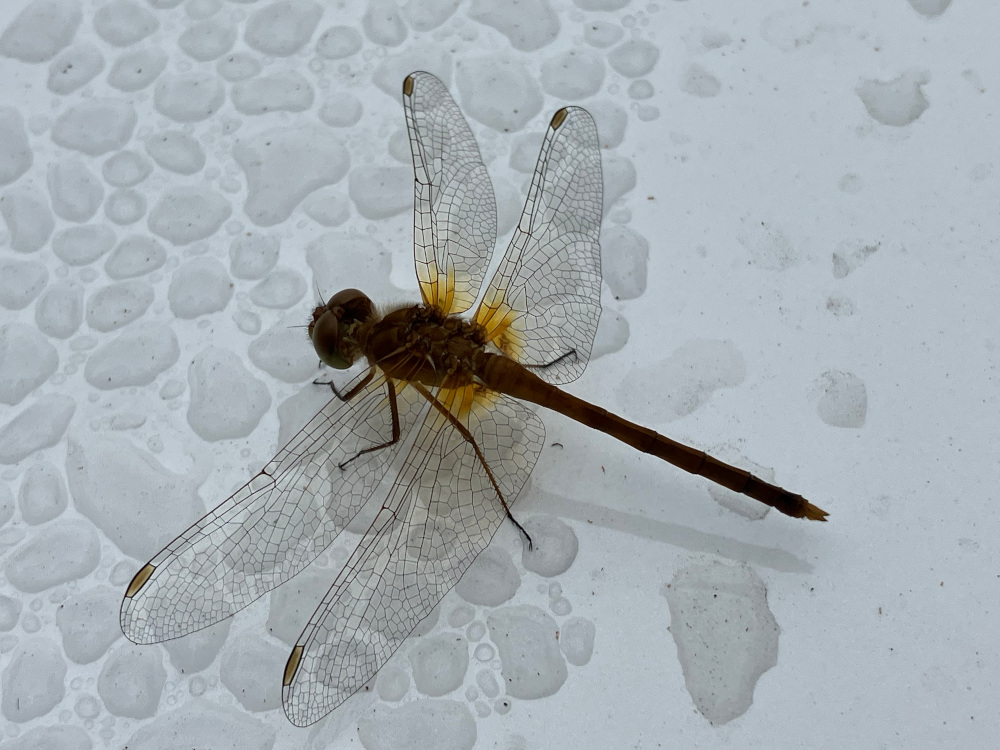
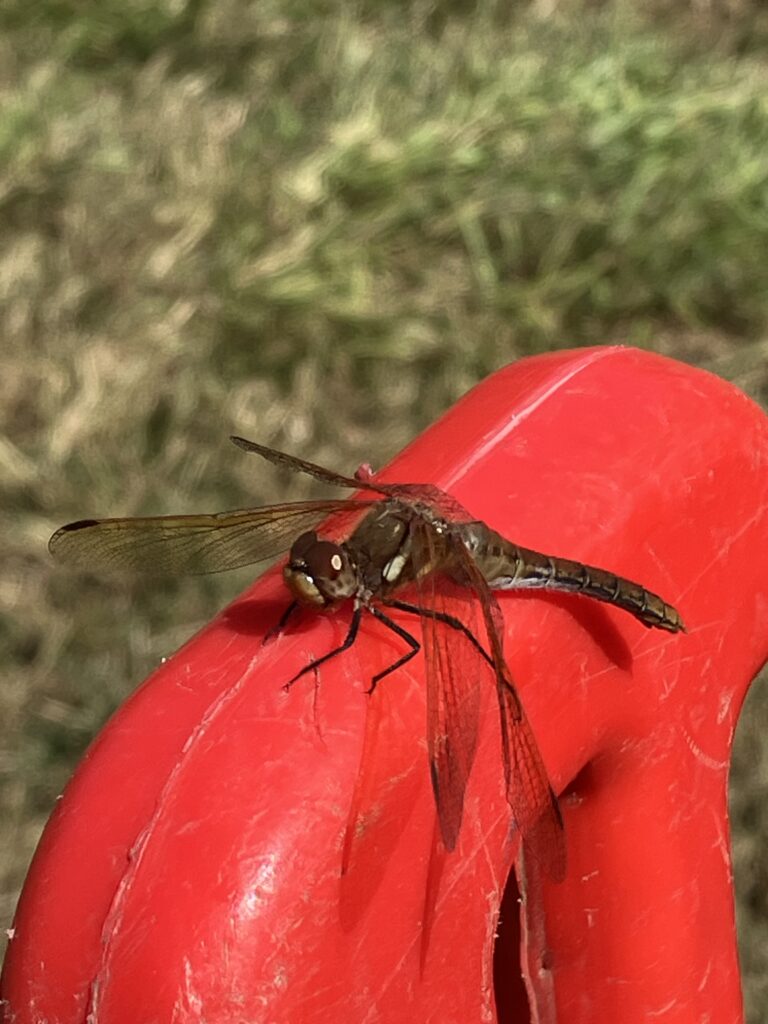
thistles and bugs… hmmmmmm… 🤔
——
okay, this is what i get for geeking out about incense:
👉OPOPANAX!!👈
(i ordered some opopanax oil! 😀)